hensm
hensmfx_cast
Very WIP! Not ready for release. Expect many bugs. Please don't sign builds on AMO with current ID.
Credit:
Supported platforms
- Linux
- macOS
- Windows (TODO)
Only tested on Linux and macOS. mDNS library issue to be fixed. mdns only works on Windows, mdns-js only works on Linux.
Building
Requirements
- NodeJS
nodebinary in pathBonjour SDK (Windows)
Instructions
git clone https://github.com/hensm/fx_cast.git
cd fx_cast
npm install
npm run build
npm run install-manifest
This will build the ext and app, outputting to dist/.
dist/app/ contains the bridge binary and manifest with the path pointing that binary. install-manifest copies the manifest to the proper location (or adds its current location to the registry).
dist/ext/ contains the built extension in the format fx_cast-<version>.zip in addition to the unpacked extension at dist/ext/unpacked/.
Watching ext changes and auto reload:
npm run watch --prefix ./ext

# In seperate terminal
npm run start --prefix ./ext
Packaging
Packaging currently only possible for macOS/Linux. macOS packages can only be created on macOS, Linux .deb/.rpm packages can be built on any platform with dpkg-deb and rpmbuild binaries.
dist/app/ contains the installer package: fx_cast_bridge.pkg (macOS).
dist/ext/ contains the built extension.
Dependencies
macOS:
brew install dpkg rpm
Debian/Ubuntu:
sudo apt install dpkg rpm
Example commands
Build and package app and extension for current platform:
npm run package
Build and package app for linux platforms:
npm run package --prefix ./app -- --platform=linux --packageType=deb
npm run package --prefix ./app -- --platform=linux --packageType=rpm
Script arguments
--platform"win","macos","linux"
Select the platform to build for.--packageType"deb","rpm"
Select the package type. Defaults todeb. Only relevant when building for Linux.
Testing
Testing requires geckodriver (or chromedriver for Chrome parity testing). See selenium-webdriver installation instructions (ignore npm install).
Chrome doesn't load the media router in a temporary selenium profile, so there's a bundled profile (test/ChromeProfile.zip). Extract the folder within as test/ChromeProfile/.
npm run build
npm test
SELENIUM_BROWSER=chrome npm test
Usage
Extension can be loaded from about:debugging as a temporary extension.
Most sites won't load the cast API unless the browser presents itself as Chrome. The extension includes a method of spoofing the user agent string, sites can be whitelisted via the options page. Whitelist entries are specified as match patterns. To whitelist all sites, add <all_urls> to the whitelist, though this could cause breakage on random sites.
HTML5 media elements have a "Cast..." context menu item that triggers a sender application. Only works on remote (non-local) media that isn't DRM-encumbered.
Cast-enabled websites will load the sender API shim and display a cast button as in Chrome, provided there are no bugs/incompatibilities with the shim.
Video Demos
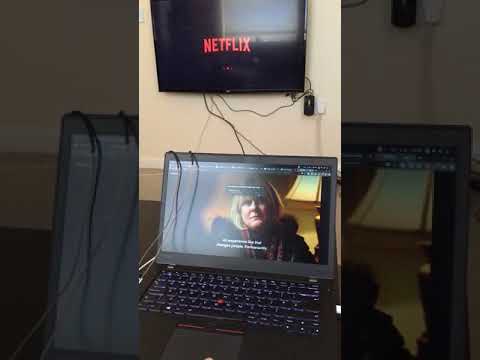
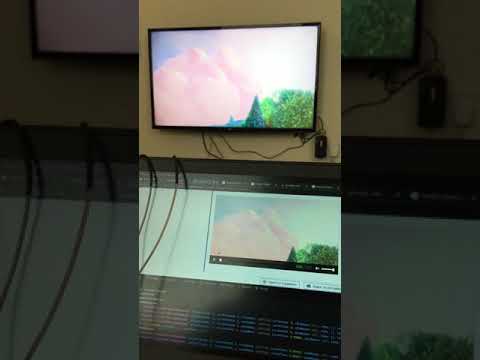
Netflix / HTML5: